HTTP Monitoring
Monitor API and website endpoints with latency and status-code validation.
Free-to-use monitoring software
The platform supports reliable monitoring for services and infrastructure and is available without license costs.
Complete Coverage
WebGuard combines checks, notifications, and historical data in a clear workflow designed for everyday operations.
Monitor API and website endpoints with latency and status-code validation.
Track host reachability and network path stability with lightweight checks.
Validate critical text content and detect broken pages or rendering regressions.
Verify key service ports stay open and reachable for your infrastructure.
Receive incident updates through multiple channels so response stays fast and coordinated.
Avoid certificate surprises with clear expiry tracking and proactive warning windows.
Analyze trends, compare monitor behavior, and report on long-term reliability.
Cross-region checks help isolate local outages and reduce false positives.
Product Overview
From dashboard summaries to monitor-level details and public labels, WebGuard keeps incident context in one place.
Track fleet health at a glance with uptime summaries and response trends.
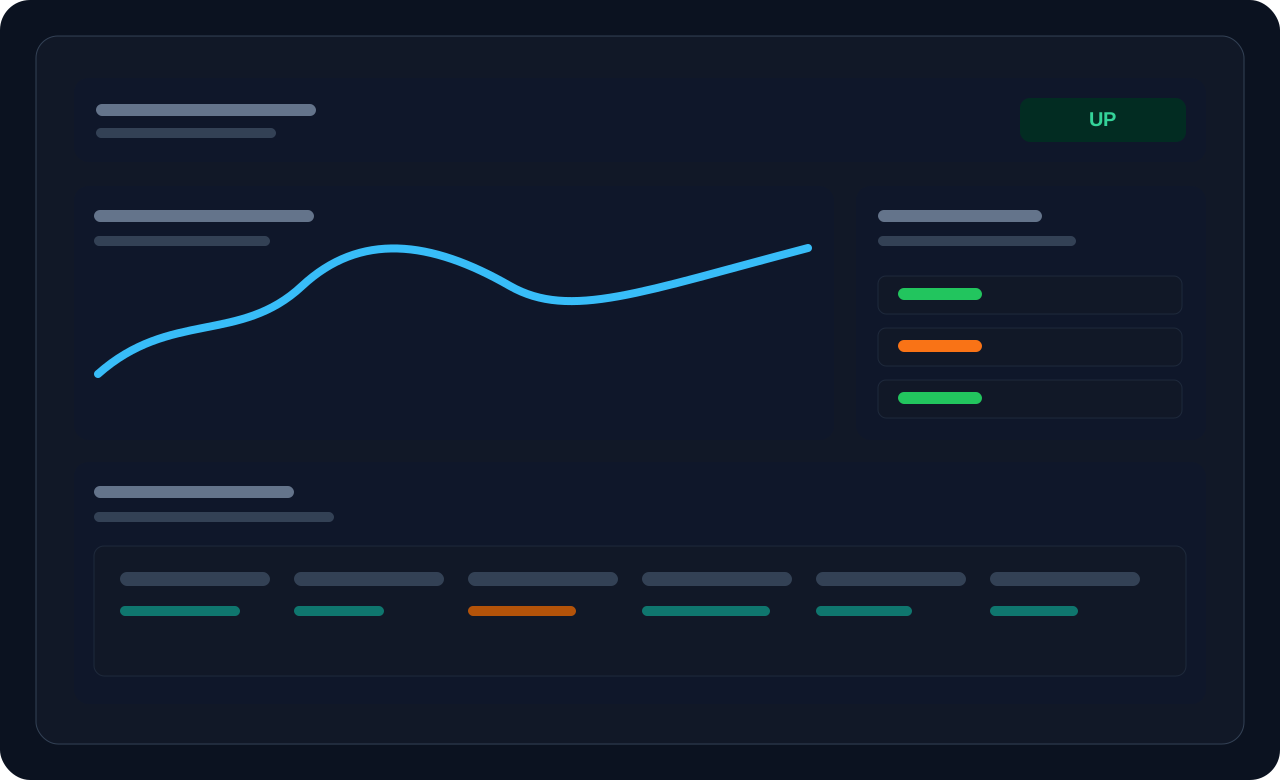
Investigate spikes and incidents with per-monitor history and signal breakdowns.
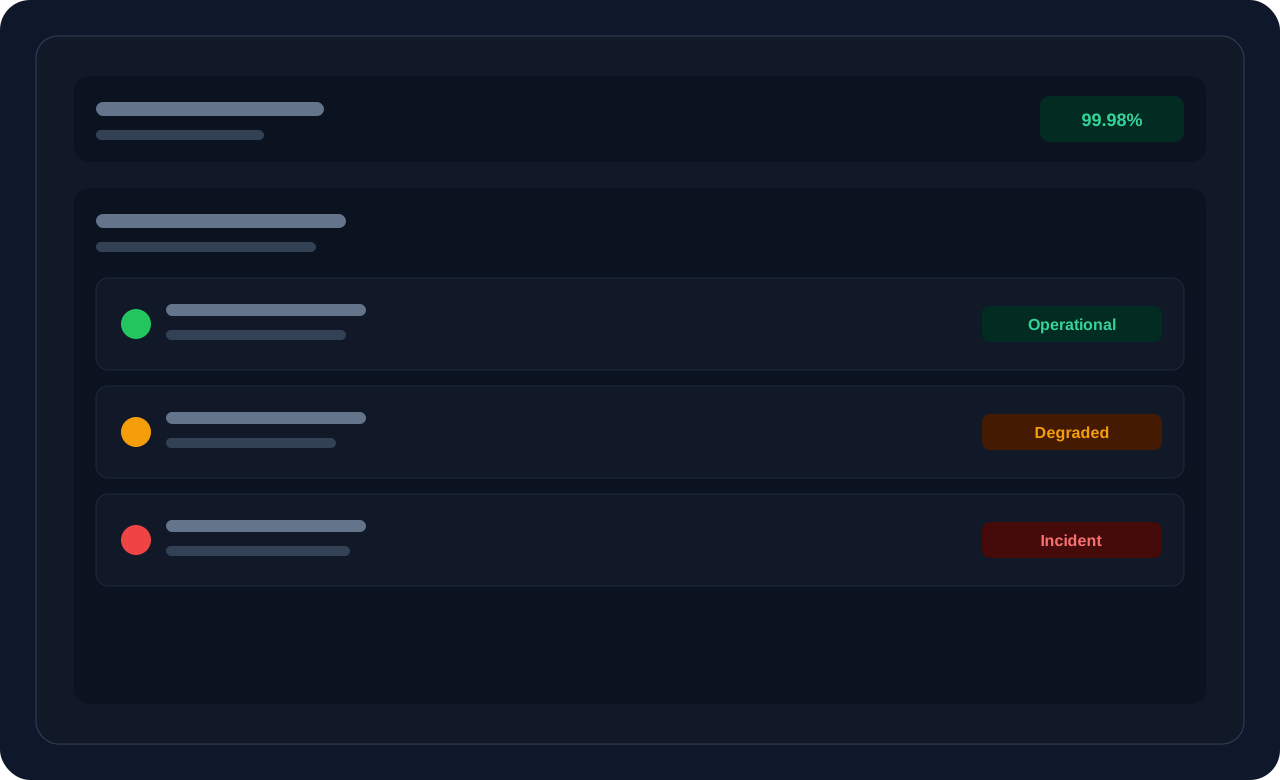
Share transparent availability updates in a clear, branded format.
How It Works
The onboarding path is intentionally simple while still offering the control needed for ongoing operations.
Add HTTP, Ping, Keyword, or Port checks and set your target interval.
Choose notification channels and receive incident updates without delay.
Use status labels and uptime history to communicate reliability with stakeholders.
Principles
WebGuard is provided as generally available software. The focus is stable functionality, clear visibility, and free access instead of product sales.
“Combining region selection, flexible intervals, and clear alerts makes it easier to detect incidents early and classify them accurately.”
A robust baseline setup uses fixed intervals, multi-region checks, and clear alert rules per endpoint. This helps detect outages early and classify them as local or global faster.
The monitoring architecture is tuned for dependable availability checks and fast incident classification.
Public status information and clear history make day-to-day system behavior transparent.
The software is available without a purchase model. Login or guest access is enough to explore the core features.